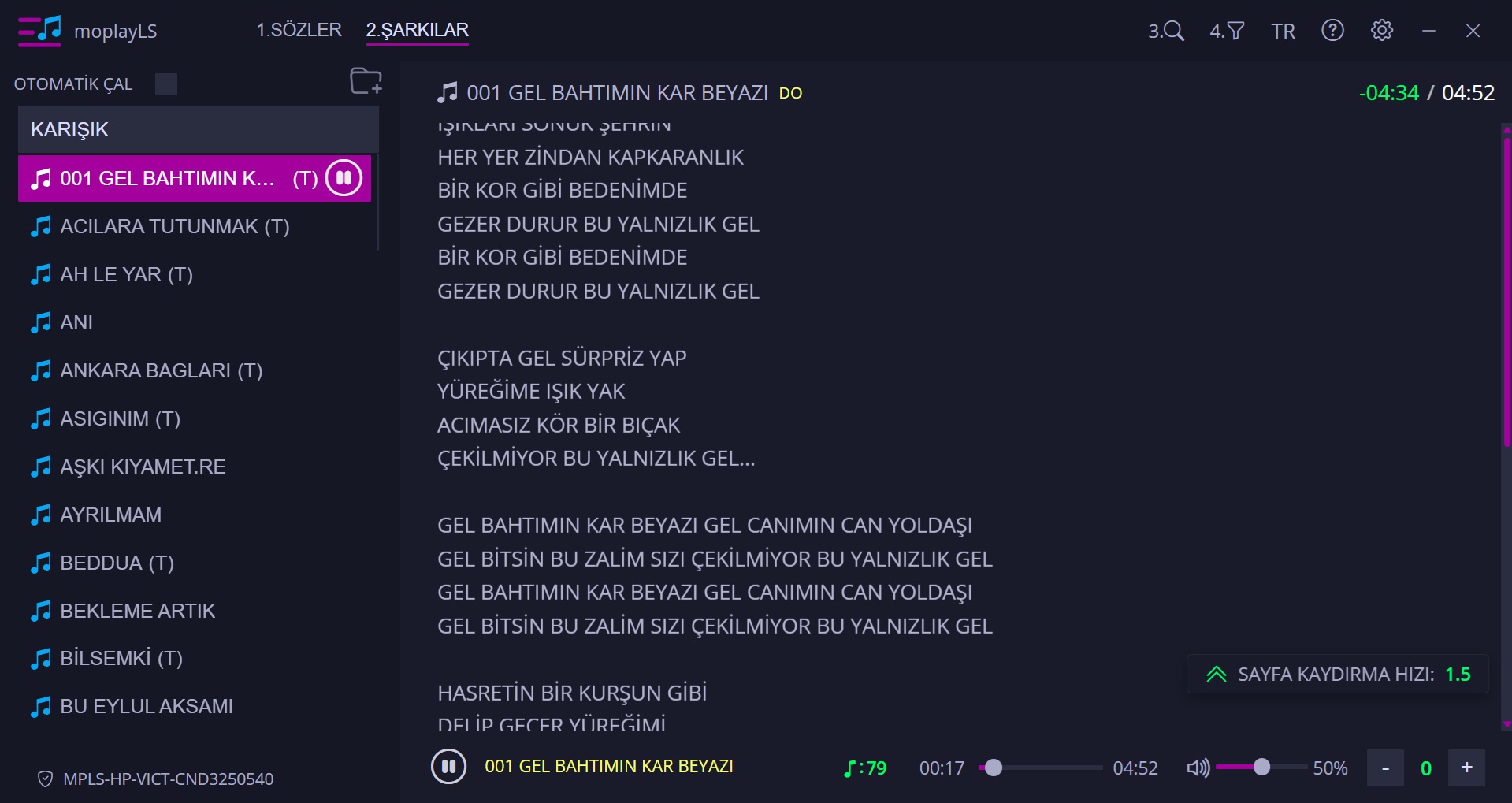
During your live performance, your lyrics automatically scroll upwards smoothly.
The “Page Scrolling” feature is selected by default in the Prompter (Page Scrolling) settings tab. (If you do not wish to use this feature, simply uncheck the box.) You can also adjust and save the scrolling speed here.
‘A’ Shortcut: Starts automatic page scrolling. Pressing ‘A’ a second time stops the scrolling.
Alt+A Shortcut: Resets the lyrics to the top.
A + (+): Increases the scrolling speed during a live performance.
A + (-): Decreases the scrolling speed during a live performance.