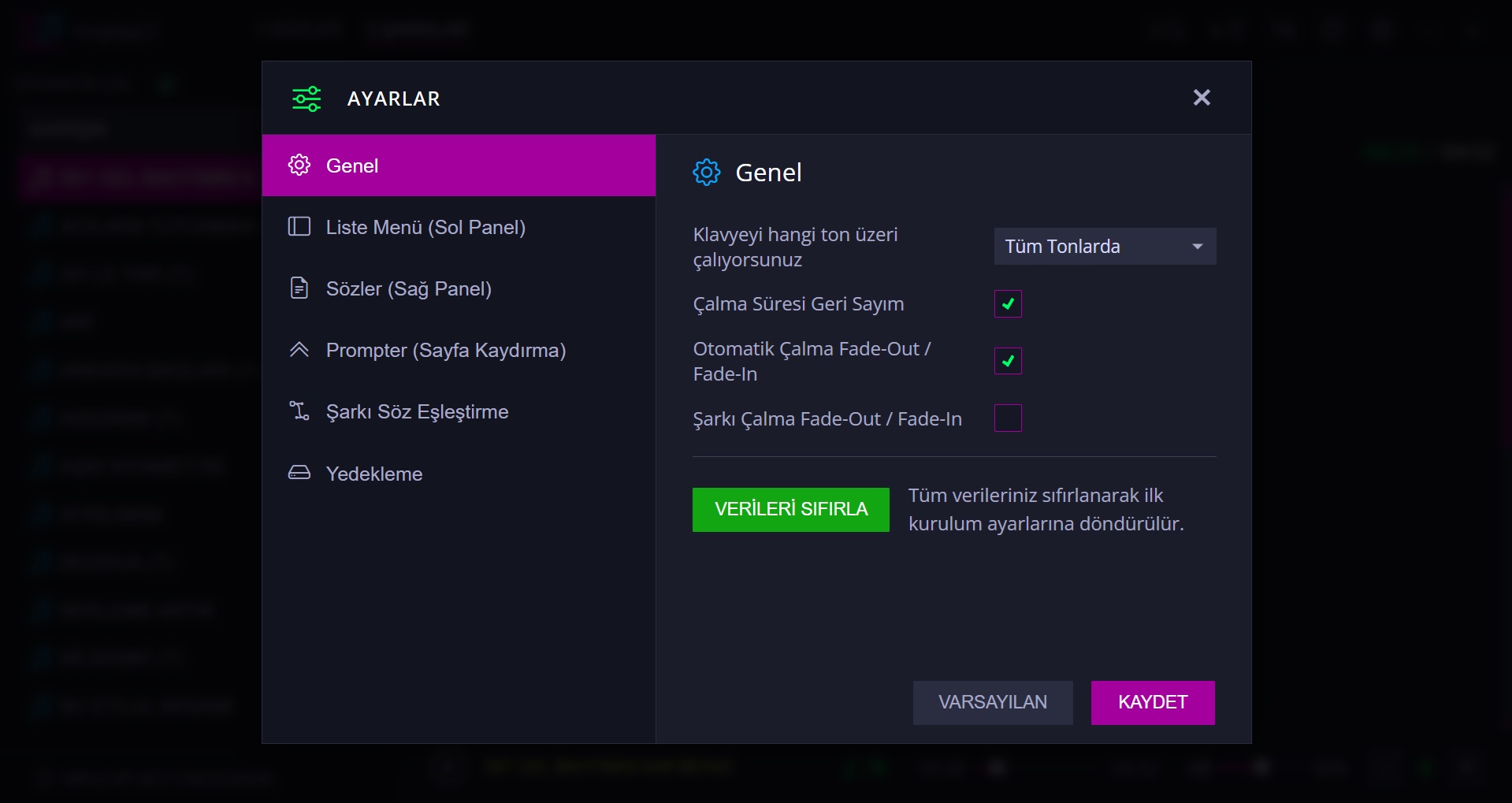
In the application settings:
1. You can adjust the font size, font color, and line height in the left menu.
2. You can adjust the font size and font color of the words displayed in the right section.
3. You can change the main color used by the application.
After creating all these settings to your liking, the application will open with your custom settings every time it starts.
In the application settings:
1. You can adjust the font size, font color, and line height in the left menu.
2. You can adjust the font size and font color of the words displayed in the right section.
3. You can change the main color used by the application.
After creating all these settings to your liking, the application will open with your custom settings every time it starts.
Settings