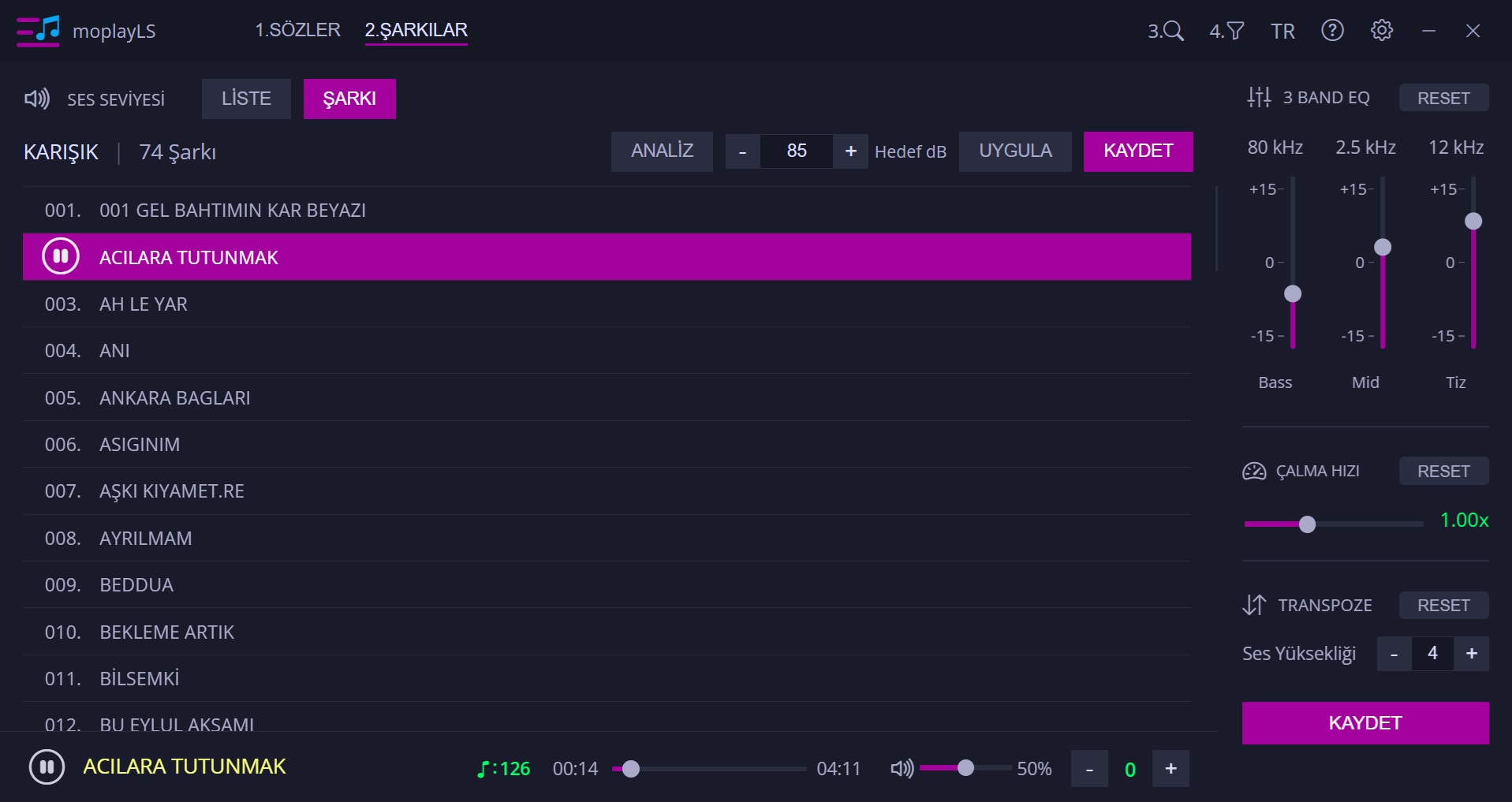
In the panel opened with the (V) shortcut:
1. Adjusting Song Volume Level: From the dropdown box in the header: (LIST, SONG)
* In LIST selection, you can analyze the volume level of all songs in the folder and readjust them collectively to your desired dB value by pressing the APPLY and SAVE buttons.
* In SONG selection, you can adjust the volume level of a single song to the desired dB value by pressing the APPLY and SAVE buttons. You can adjust the tone and transpose volume individually for each song using the 3-band EQ. The values you save are stored and appear every time you open the application.
Song Calibration / Song